
Cart Item Filters
Reward the right products. Every time. Without building 20+ workflows.
Cart Item Filters let you control exactly which products trigger a reward, and which products a reward can be redeemed on, all from a single, reusable rule. Set them up once, then use them across as many workflows as you need.
 5-Star Reviews
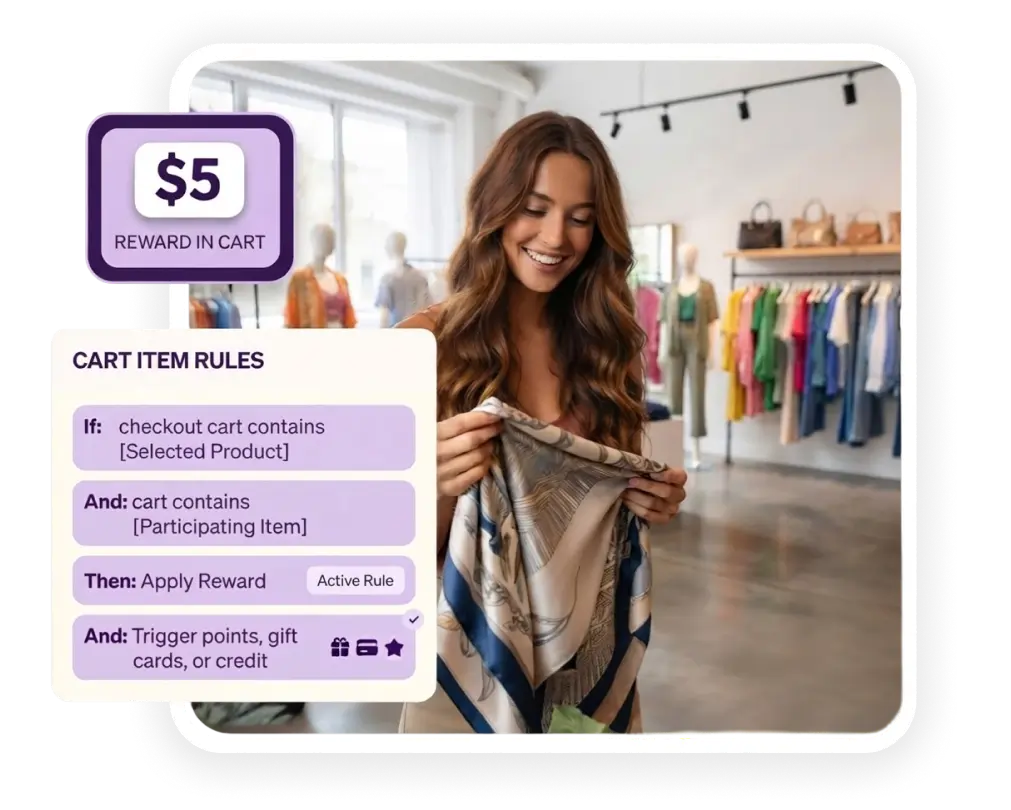
Trusted by teams at





















The problem with product-specific promotions
Want to reward customers only when they buy a specific item? Or make sure a coupon can't be redeemed on clearance stock? Normally, that means building a brand new workflow, with its own rules and its own maintenance, every single time.
That doesn't scale. Cart Item Filters fixes this problem at the source.
What Cart Item Filters Do?
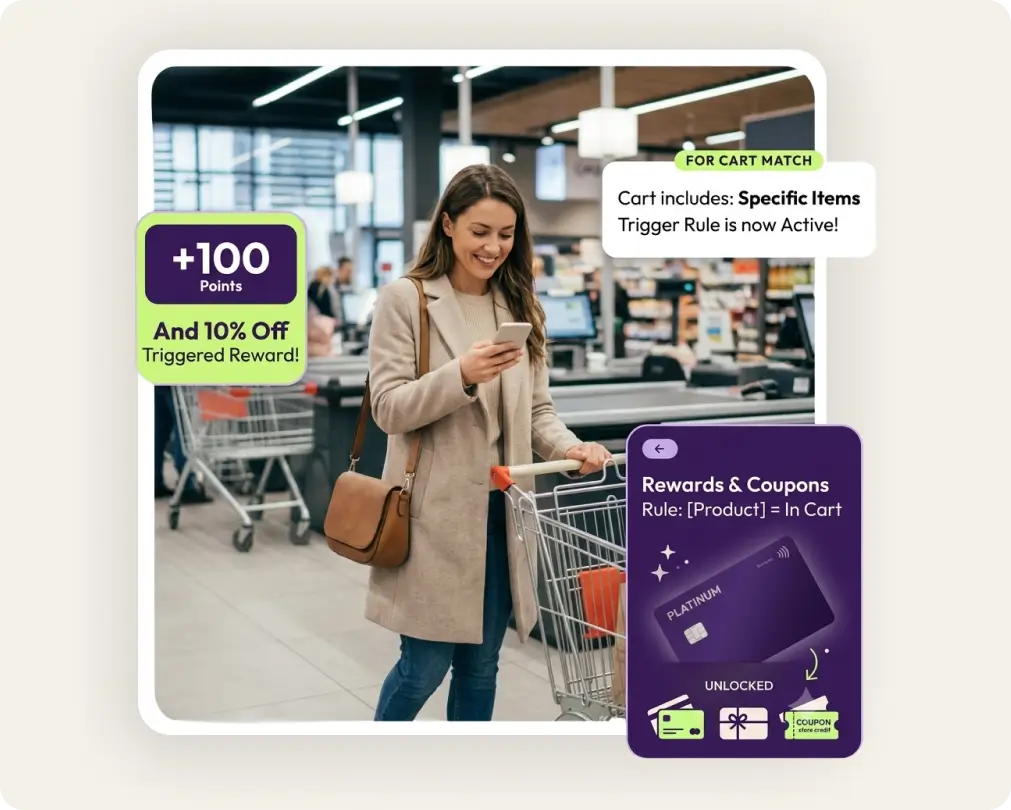
Gate issuance by product
Trigger loyalty points, gift cards, coupons, or store credit only when a specific product (or set of products) is in the customer's cart.
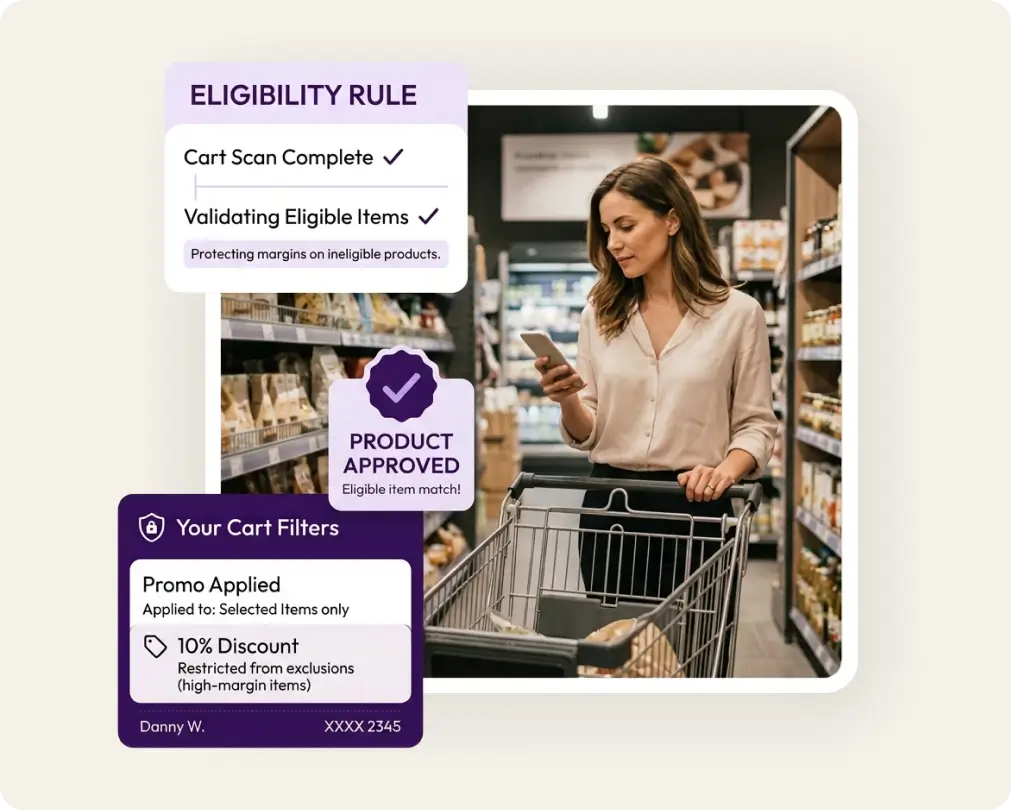
Gate redemption by product
Restrict a reward so it can only be used on eligible products, protecting margins on items you don't want discounted.
Reuse across workflows
Build a filter once and apply it to any number of existing or future reward workflows, no duplicate setup required.
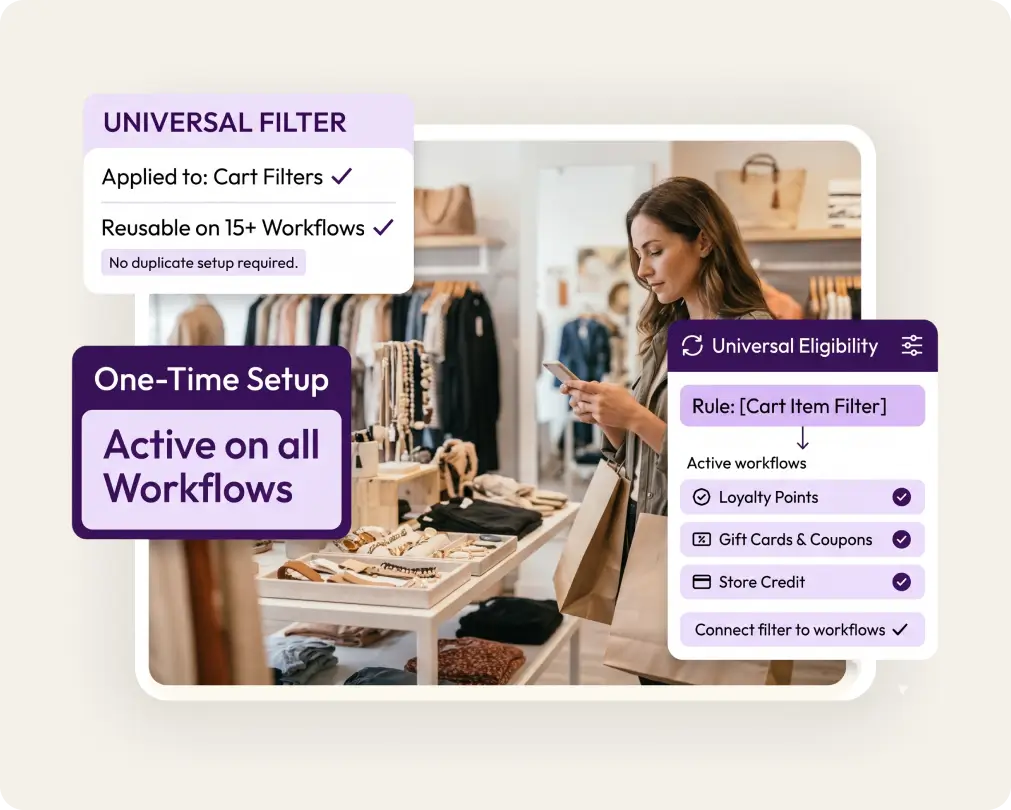
Combine with any reward type
Works with points, gift cards, coupons, and store credit, so you're not locked into one kind of promotion.
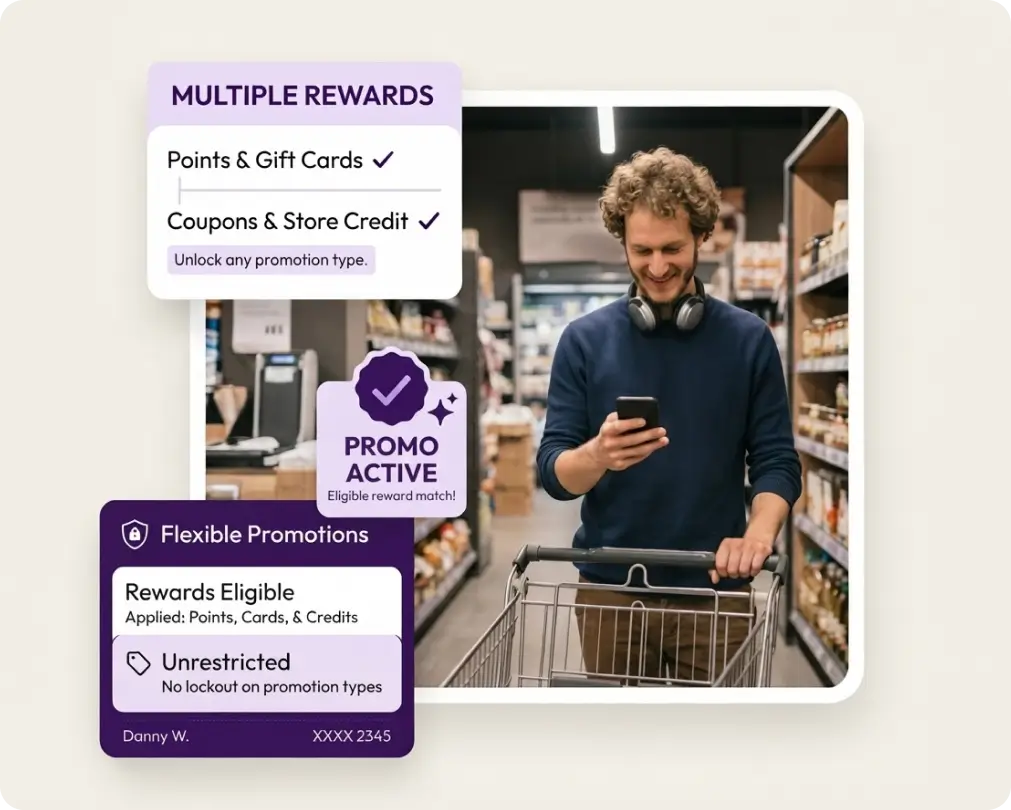
Built for Real Merchant Scenarios
Reward bonus points only on new arrivals or a specific product line
Restrict a seasonal coupon to full-price items only
Make a gift card redeemable exclusively on a featured collection
Run a launch promotion without spinning up a separate campaign structure
Why it Matters?
Less setup
One filter can power multiple reward workflows, cutting down the number of rules you have to create and maintain.
More control
Target promotions to the exact products that matter, without loosening your rules storewide.
Faster to launch
Skip the back-and-forth of building custom logic for every new product promotion. Set the filter, plug it into your workflow, go live.
Customer Success Stories
Don’t just take our word for it. Hear it from our successful customers. All Customer Stories

38%
Increase Average Spend Over Gift Card Value
Multi-Currency
AUS $ USD $ GBP £
30%
Increase in Sales due to rise in Gift card Redemption frequency
Saved 400hrs
Manual work


$640K
In Sales due to Promotional Gift Cards
45 Days
Summer Promotion
28%
Increase in AOV
Gift Card
As new promotion channel


25%
Increase in Customer LTV
Omnichannel
Online and In-store
40%
Higher Spending on Redemption
Gift Cards
As new marketing channel

$1.5M
In Sales due to Gift Card Promotion
60 Days
Social Media promotion with Heather Storm
20%
Increase in AOV
15%
Increase in Conversion Rate


25%
Increase in Customer LTV
30%
Increase in ARR
10%
Increase in AOV
Omnichannel Loyalty & Referral
New Customer Acquisition & Retention channel


15%
Increase in Customer LTV
20%
Increase in ARR
15%
Increase in AOV
Omnichannel Loyalty & Referral
New Customer Acquisition & Retention channel

How it works
Target rewards at the exact products in a customer's cart - in four steps.
Create a filter
Define the filter based on 12 different attributes including product name, product ID, category, vendor, quantity, tags, collection ID, and much more.
Specify additional conditions
Define any additional validation criteria for the items in the cart - sum of product quantities, biggest item value, smallest item value, and more.
Attach it to a workflow
Use the filter as a condition for issuance or redemption of a reward in any existing or new workflows. Use it for gift cards, store credit, loyalty points - anything!
Launch
The reward now applies only to the products on which you wanted it to be applied.
Frequently Asked Questions (FAQs)
-
It's a reusable rule that limits a reward workflow to specific products. You define which product or products the filter applies to, then attach that filter to any reward workflow, controlling when a reward is issued or where it can be redeemed.
-
Yes. That's the core benefit. Build the filter once and apply it to as many existing or future reward workflows as you need, instead of recreating the same product logic every time.
-
Both. You can use a Cart Item Filter to trigger a reward only when a certain product is in the cart, or to restrict where an already-issued reward can be redeemed. The same filter type supports either use case.
-
Loyalty points, gift cards, coupons, and store credit all support Cart Item Filters, so you're not limited to a single promotion type.
-
Yes. A single filter can include multiple products, so you can group items (for example, an entire new collection or product line) under one rule.
-
No. Cart Item Filters plug into your current workflows as a condition. You don't need to rebuild anything that's already running unless you want to add product-level targeting to it.
-
Yes. Set up a filter that excludes those products, then attach it to the relevant workflow so the reward only applies to full-price or eligible items.
-
No. You only need a filter where you want product-specific control. Workflows without a filter attached continue applying to all products as usual.
-
Yes. Updating the products in a filter automatically updates every workflow that filter is attached to, so you don't have to edit each workflow individually.
-
Yes. Cart Item Filters can be added to workflows you're already running, or used when setting up a new reward program from scratch.
Ready to make every customer worth more?
See how 99minds fits your retail or ecommerce business in a 30-minute demo.